Forgot Password
Forgot Password
The "Forgot Password" option allows the user to create a new password if the user has forgotten or lost their original password.
Instruction
1. Click on the “Forgot Password” link located beneath the CAPTCHA box.
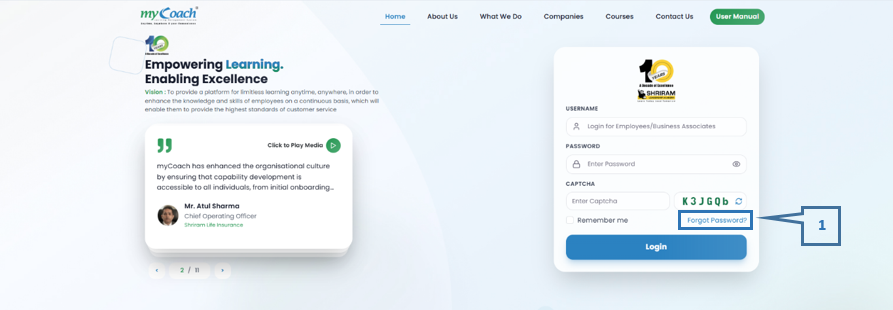
· Once the "Forgot Password" link is clicked, the system will display the steps to obtain a reset link.
2. Enter the Employee Code (username) in the designated field.
3. Enter the valid CAPTCHA.
4. Click on the “Search” option.
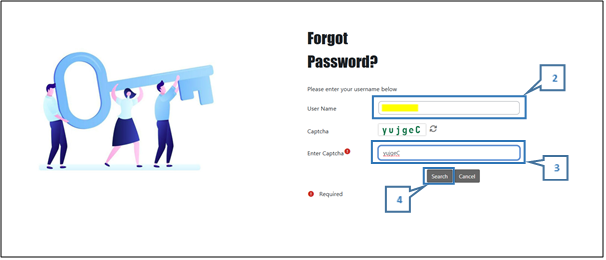
· After clicking the "Search" option, the system will provide the necessary information.
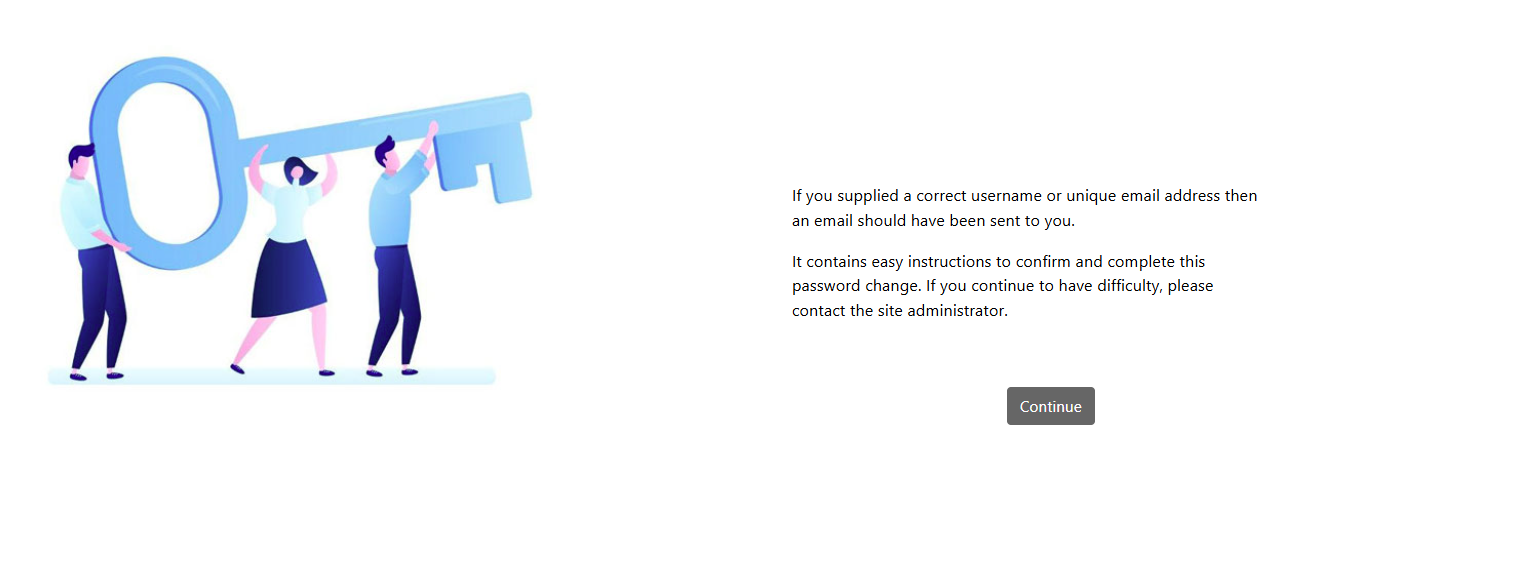
5. The user will then receive an email at their registered email address on the myCoach platform. Click on the “Reset Link” in the email to reset your password.
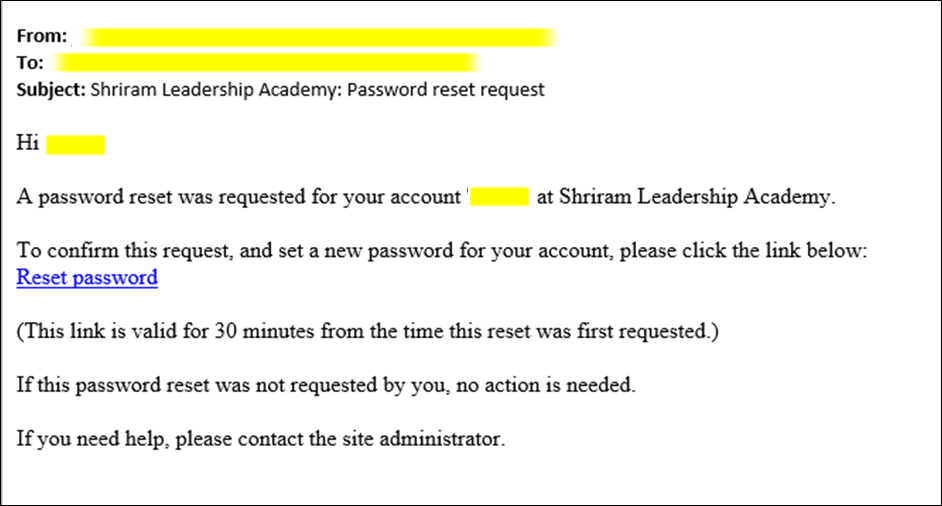
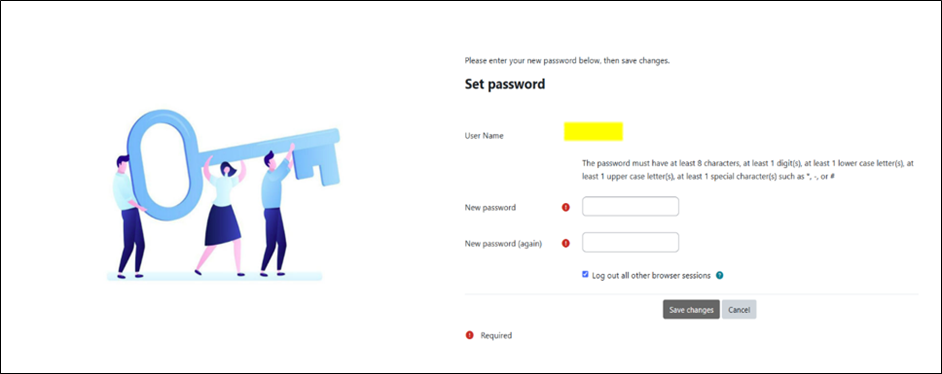
- Once the user completes all the above steps, the user will be directed to a reset password page where the user can create a new password.